How to Earn Money from Your Phone in India (2026): The Only Setup You Need
You don't need a laptop or a camera. Here's the complete phone-only setup for earning from short-form video in India, and what it realistically pays.
You do not need a laptop, a PC, or paid software to clip videos and get paid in India. A mid-range phone and one free app run the entire workflow — cut, caption, reframe, post. Here's the exact phone-only setup and how to use it, start to payout.
Key Takeaways
- A phone + one free editing app (CapCut) is the entire toolkit — no laptop, no paid software.
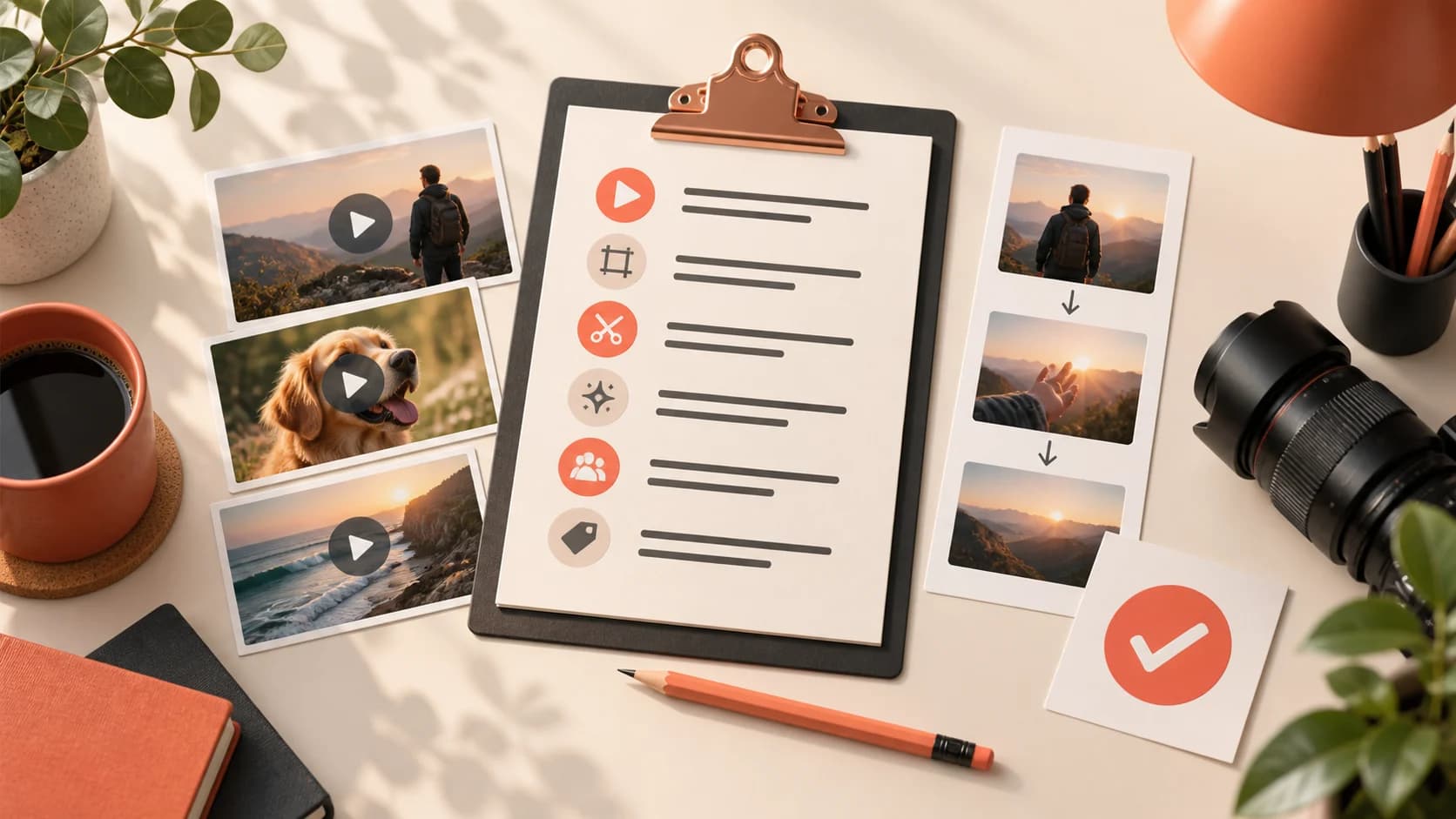
- The workflow is four steps: grab the licensed clip → cut tight → caption + reframe → post & submit.
- Free backups if CapCut lags: VN and YouCut — both do captions and 9:16.
- Storage and mobile data are the only real limits — edit and export on Wi-Fi, clear cache often.
- You do not need to buy anything to start — treat any course or gear list presented as a prerequisite as a sales pitch.
You do not need to buy anything first
The honest version of this guide has an uncomfortable implication for anyone selling to beginners: the phone in your hand is already sufficient, and almost every purchase presented as a prerequisite is not one.
Mid-range Android phones from the last few years handle vertical editing perfectly well. The free tiers of the major editing apps cover everything in this workflow. You do not need a laptop, a microphone, a ring light, a gimbal or a paid subscription to produce a clip somebody will watch. Those things improve specific outputs later; none of them is a gate.
This matters because "invest in yourself first" is how a lot of money moves out of beginners' hands in this market — the ₹2,999 course, the ₹1,500 preset pack, the "professional" template bundle. The material in them is generally available free, and the people who succeed are rarely the ones who bought it.
Two real constraints, which nobody mentions because you cannot sell a solution to them. Mobile data: editing and uploading video consumes a lot of it, so being on Wi-Fi or an adequate plan is a genuine requirement. And storage: exporting 1080p repeatedly fills a phone fast, so expect to manage it. Both are worth planning around. Neither costs ₹2,999.
The whole toolkit
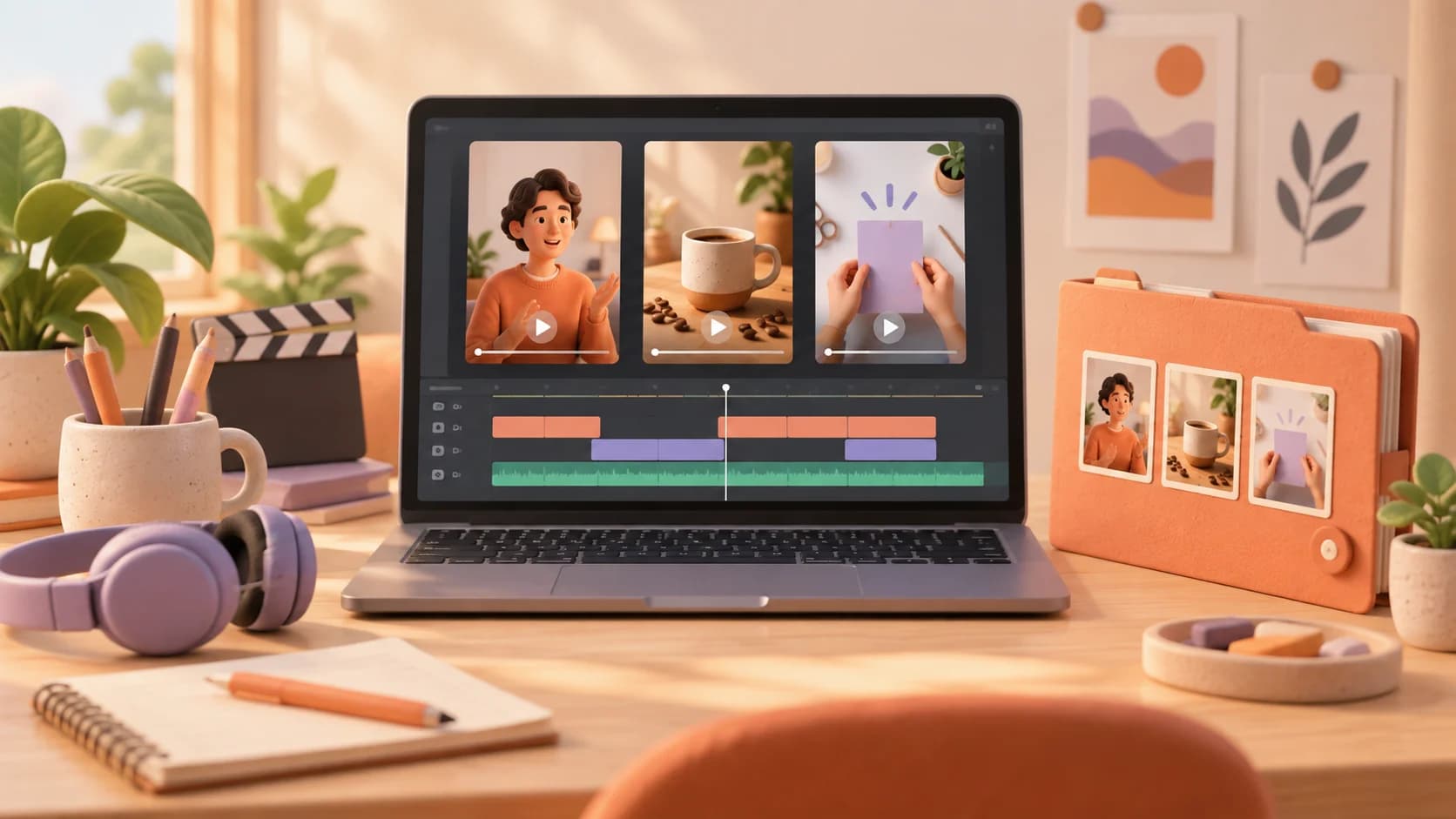
- CapCut (free, Android + iOS) — trimming, auto-captions, 9:16 reframe, trending templates. It's what most Indian clippers use.
- A phone with ~4GB+ RAM — anything from the last few years handles short clips fine.
- A clipping marketplace account — for the licensed campaigns you're allowed to clip.
That's it. More options here: the best free clipping apps in India.
Step 1 — Get the licensed source clip
Open a campaign on a marketplace and download the source content you're allowed to clip. Don't rip random copyrighted videos off the internet — clip licensed campaign content so you stay safe and actually get paid.
Step 2 — Cut tight (about 2 minutes)
Import into CapCut, find the one moment worth watching, and trim to 15–40 seconds. Cut every dead second — each one is an exit. Lead with the payoff in the first 1.5 seconds.
Step 3 — Caption + reframe
- Auto-captions: Text → Auto-captions. Most short-form is watched on mute, so this one step measurably lifts watch-time.
- Reframe to 9:16: set the canvas to 9:16 and keep the subject centred.
- Keep effects minimal — clean beats flashy.
Step 4 — Export and post
Export at 1080p, 30fps. Post to your own Instagram / YouTube / Facebook, copy the link, and submit it to the campaign. Views are verified automatically and paid per verified view.
Phone-only troubleshooting
| Problem | Fix |
|---|---|
| App lags or crashes | Switch to VN or YouCut; close background apps |
| Storage fills up | Delete exports after posting; clear CapCut cache |
| Data costs add up | Download source + export on Wi-Fi |
| Phone overheats | Edit in shorter sessions; keep export at 1080p |
From phone to payout
That's the whole loop — and it runs entirely from your hand. On Dashrize, a phone is all you need to join campaigns and get paid per verified view, weekly to UPI. Brand new? Start with how to become a video clipper in India.
Frequently Asked Questions
Can I really clip videos with just a phone? Yes — the entire workflow (cut, caption, reframe, post) runs on a phone with a free app. No laptop or paid software needed.
What's the best free editing app for phone clipping in India? CapCut is the standard — free, with auto-captions and 9:16 reframing. VN and YouCut are strong free backups.
Do I need a high-end phone? No. Any phone from the last few years with ~4GB+ RAM handles short clips comfortably.
How do I get paid clipping from my phone? Join campaigns on a marketplace, post the clips to your own accounts, and submit the links — you're paid per verified view, weekly to UPI.
Ready to start from your phone? Join Dashrize — get paid per verified view, weekly to UPI.
Find these guides useful?
Add Dashrize as a preferred source on Google to see more of our creator-earnings guides in your Search results.